Youtube Subscribe Link Generator
Youtube Subscribe Link Generator
Ever stared at your YouTube analytics wondering why viewers aren't hitting that subscribe button? Don't worry, you're not alone. Most creators spend hours tweaking thumbnails and perfecting content but overlook something crucial: making it ridiculously easy for viewers to subscribe.
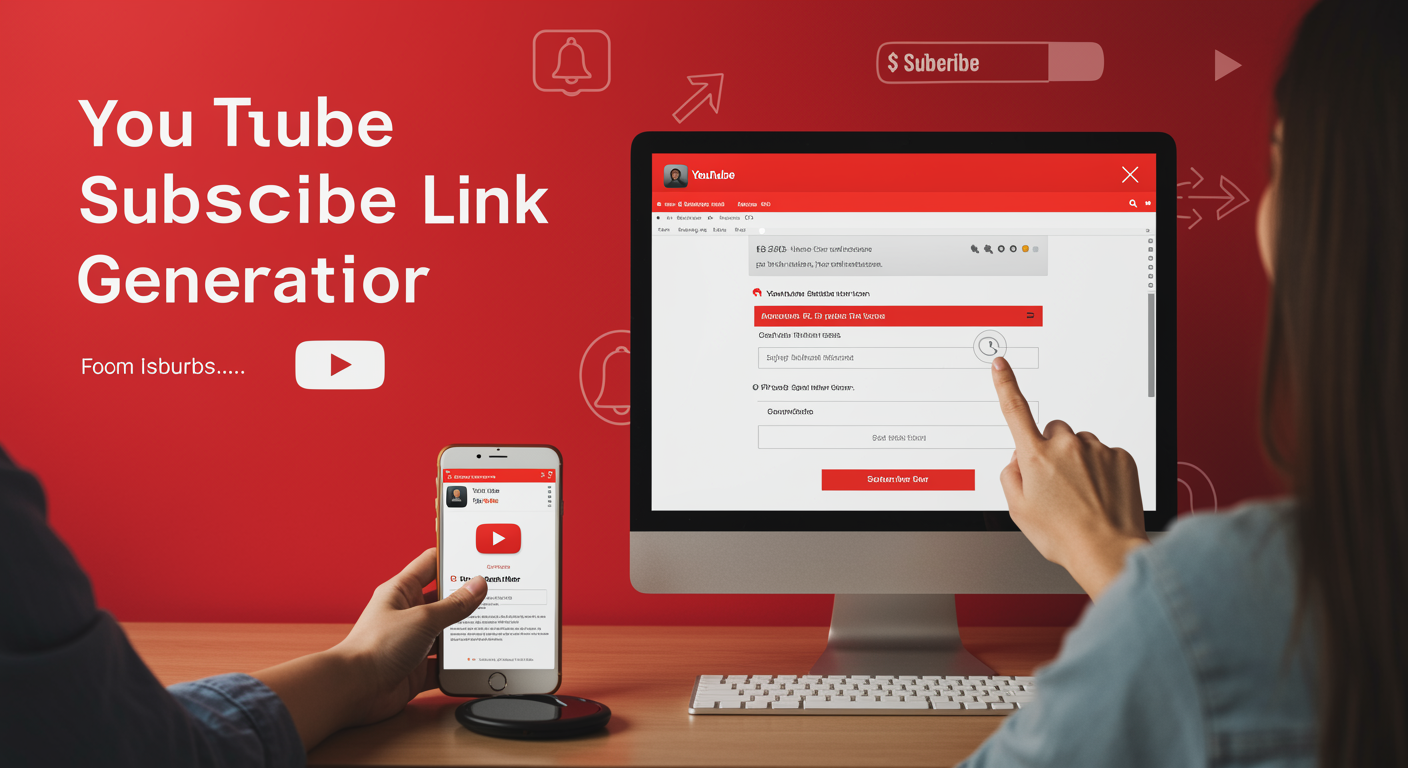
The secret weapon? A custom YouTube subscribe link that takes viewers directly to your subscription page with one click. No hunting, no searching, just instant connection.
Creating these links manually is tedious, especially when you're juggling content creation, editing, and community management. That's why a YouTube subscribe link generator can be your new best friend.
But here's what most tutorials won't tell you about these magical links...
? How do I make a YouTube auto subscribe link in 2025
Creating a YouTube Auto Subscribe Link in 2025 - Simple Steps
Want to make it super easy for people to subscribe to your YouTube channel? Creating an auto subscribe link is the perfect solution, and in 2025, it's easier than ever.
Step 1: Find Your Channel ID
First, you need your YouTube channel ID. Go to your YouTube channel page, click on "Customize Channel" and look in the URL. It'll look something like this: UCxxxxxxxxxx. This unique code is essential for your subscribe link.
Step 2: Build Your Subscribe Link
The basic format for a YouTube subscribe link is:
https://www.youtube.com/channel/YOUR-CHANNEL-ID?sub_confirmation=1
Just replace "YOUR-CHANNEL-ID" with your actual channel ID. That's it!
Step 3: Test Your Link
Before sharing it everywhere, click on your new link to make sure it works. It should take you to your channel with a subscription popup already showing.
Using Your Subscribe Link Effectively
Now that you have your link, use it wisely:
-
Add it to your email signature
-
Include it in your social media bios
-
Use it in your video descriptions
-
Share it in comments when appropriate
This auto subscribe link eliminates friction for potential subscribers - they don't have to search for the subscribe button, which means more subscribers for you!
Remember, YouTube might update how these links work, so check occasionally that your link still functions as expected.
? What is a YouTube auto subscribe link?
Ever wondered how to make it super easy for your viewers to subscribe to your YouTube channel? That's where a YouTube auto subscribe link comes in handy.
What Exactly Is a YouTube Auto Subscribe Link?
A YouTube auto subscribe link is a special URL that takes viewers directly to your channel's subscription confirmation screen. With just one click, they can subscribe to your channel without having to search for the subscribe button.
Think of it as a shortcut that removes friction from the subscription process. Instead of asking viewers to:
-
Find your channel
-
Navigate to your channel page
-
Locate the subscribe button
-
Click subscribe
You're giving them a direct path that says "Hey, just click here to subscribe!"
The magic happens through a specific URL structure that YouTube provides. It's basically your channel ID embedded into a subscription link that works across devices.
The best part? These links work everywhere - in your video descriptions, social media profiles, email signatures, or even printed materials with QR codes.
For creators looking to grow their audience, these auto subscribe links are absolute gold. They eliminate barriers between your potential subscribers and that critical subscribe action.
And yes, they're completely legitimate and approved by YouTube. No sketchy tactics, just smart use of YouTube's built-in functionality to make subscription easier.
Calculators
Calculators
A. View to subscriber ratio
Wondering how your YouTube channel stacks up? The view to subscriber ratio is your secret weapon. This calculator helps you understand if your content is reaching beyond your subscriber base.
A healthy ratio typically sits between 14-20% for established channels. If you're seeing higher numbers, congrats! Your content is probably reaching non-subscribers through search or recommendations.
Simply divide your average views by your subscriber count and multiply by 100:
View to Subscriber Ratio = (Average Views / Total Subscribers) × 100
Low ratios might indicate your subscribers aren't getting notified or your content isn't resonating. Try experimenting with your upload schedule or thumbnail designs to boost engagement.
B. Like to view ratio
This ratio shows how engaging your content truly is. A strong like-to-view percentage means viewers aren't just watching—they're actively enjoying your content.
Most successful YouTubers aim for a ratio between 4-8%. Calculate yours:
Like to View Ratio = (Number of Likes / Number of Views) × 100
A ratio below 2% might signal it's time to reconsider your content approach or call-to-actions.
C. Like to dislike ratio
While YouTube has hidden public dislike counts, creators can still access this data. A healthy ratio is typically 95:5 (likes vs. dislikes).
Calculate using:
Like to Dislike Ratio = Number of Likes / Number of Dislikes
Don't panic over occasional dislikes—they're normal and sometimes even increase engagement!
D. Views to comments ratio
This metric reveals how conversation-worthy your content is. Most channels see about 0.5-2% comment rates:
Views to Comments Ratio = (Number of Comments / Number of Views) × 100
Higher ratios often indicate you've struck a chord with your audience. Ask questions in your videos to boost this metric!
Generators
Video Title Generator
Want to know what makes people click? A killer title. Our YouTube video title generator helps you craft attention-grabbing headlines that boost your CTR instantly.
Just input your topic, and bam! You'll get multiple title options optimized for search and viewer interest. No more staring at a blank screen wondering what to call your masterpiece.
Pro tip: A good title includes keywords, creates curiosity, and stays under 60 characters to avoid truncation in search results.
Video Description Generator
Your video description is prime SEO real estate. Our description generator creates keyword-rich, engaging descriptions that help both viewers and YouTube's algorithm understand your content.
Include timestamps, links, and calls-to-action automatically without the hassle of formatting everything manually. More engagement, less work.
Channel Name Generator
Stuck on naming your channel? Our name generator spits out creative, available options based on your niche and style. It even checks if the name is taken on YouTube already!
HTML Embed Code
Getting your video onto your website shouldn't require a computer science degree. Our HTML embed code generator creates clean, responsive embed codes with customizable parameters like autoplay, size, and start time.
Copy, paste, done. Your video looks perfect on any site or blog.
Start Time URL
Want viewers to skip right to the good part? Our start time URL generator creates links that begin playing at exactly the timestamp you choose.
Perfect for sharing tutorials, highlights, or specific sections with your audience without making them hunt through your video.
Auto Subscribe URL
This is the golden ticket. Our auto subscribe link generator creates URLs that, when clicked, take viewers directly to your channel with the subscribe button highlighted.
Just share this link in your social media, email newsletters, or anywhere else to make subscribing frictionless. More subscribers with less effort? Yes please.
Other tools
Other tools
A. Character counter
Ever wondered if your video script is getting too wordy? Our character counter tool helps you keep track of your text length.
This handy tool counts characters, words, and sentences in real-time as you type. Perfect for crafting YouTube descriptions, comments, or video scripts that stay within platform limits.
Just paste your text, and boom – instant character count. No more guessing if your description will get cut off or if your comment is too long.
Why struggle with manual counting when this tool does it for you in seconds? It's simple, fast, and totally free – just like our YouTube subscribe link generator.
B. Video script timer
Got a script but don't know how long your video will be? Our video script timer has your back.
This cool tool estimates how long it'll take to narrate your script based on average speaking rates. Just paste your script, and you'll get an approximate duration for your YouTube video.
Super helpful when you're planning content length or trying to keep videos in that sweet spot for engagement (around 7-15 minutes for most niches).
No more recording only to find your video is way too long or too short!
C. Downloads
Need offline access to some of these tools? Check out our downloads section.
We offer free downloadable versions of our most popular tools, including the YouTube subscribe link generator for mobile. Perfect for creators who work on the go or have spotty internet.
All downloads are lightweight, virus-free, and regularly updated to ensure compatibility with the latest YouTube features.
Unleash YouTube Growth with Auto Subscribe Links
Creating YouTube auto subscribe links in 2025 has become an essential strategy for growing your channel efficiently. These powerful tools allow viewers to subscribe to your channel with just one click, removing friction from the subscription process. Whether you're using specialized calculators to track your subscription metrics or employing generators to create custom subscribe links, these resources significantly streamline your channel growth efforts.
Take advantage of these auto subscribe link tools today to boost your YouTube presence. Implement them across your social media profiles, website, and other digital touchpoints to maximize subscription opportunities. Your channel growth journey becomes much more effective when you remove barriers between interested viewers and that crucial subscribe button.