Youtube Channel ID Finder
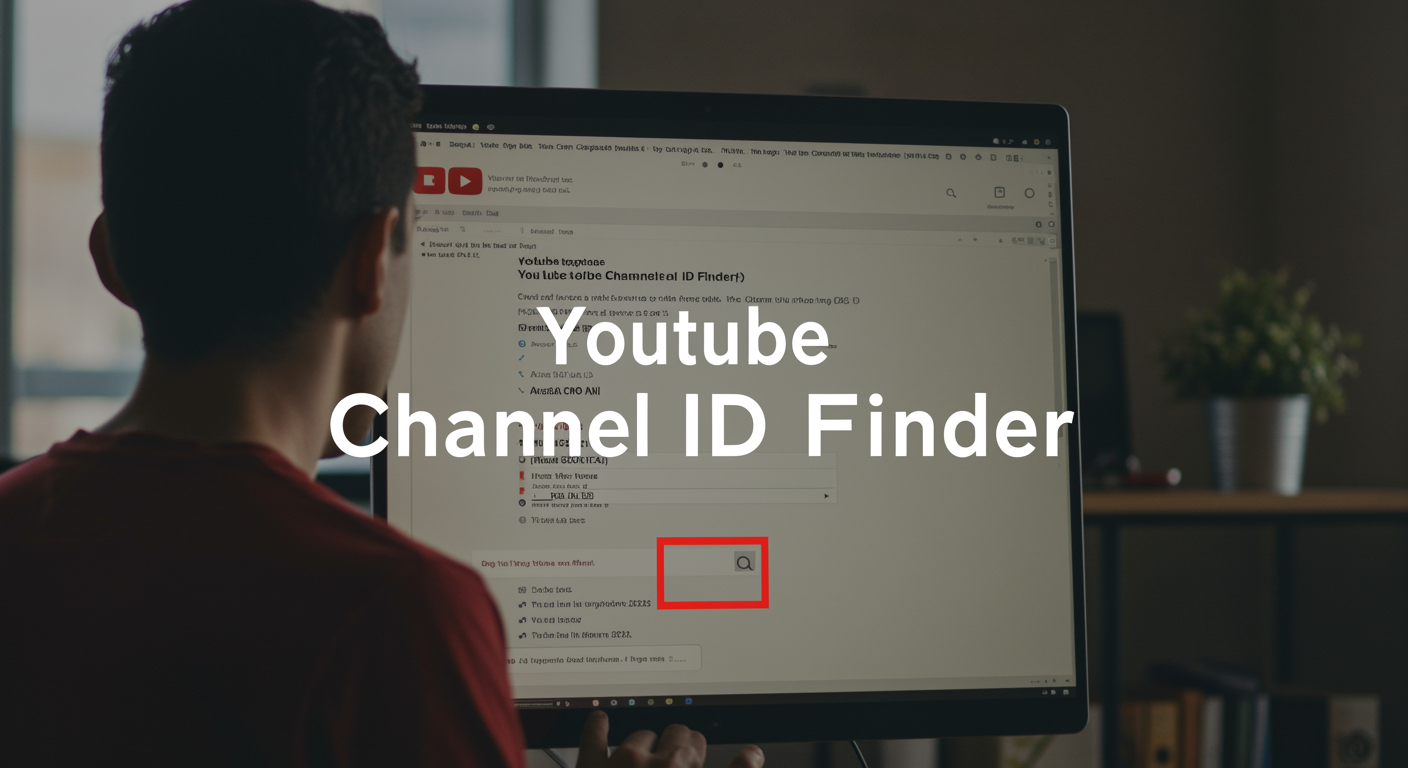
Youtube Channel ID Finder
Ever spent 20 minutes hunting for a YouTube channel ID and ended up in a maze of profile pages and source code? You're not alone. Thousands of creators waste hours each month on this seemingly simple task.
Finding a YouTube channel ID shouldn't require a computer science degree. Yet here we are, clicking around like digital detectives just to grab a string of characters.
I've tested every youtube channel id finder method out there—from the official routes to the clever hacks—and I'm about to save you serious time and frustration.
The solution is simpler than YouTube makes it seem, but there's one approach that works every time, even when the others fail.
Want to know the method that professional marketers use when they need to find channel IDs in seconds?
Get notified about new free tools
What is YouTube channel ID?
A YouTube channel ID is a unique string of letters and numbers that identifies your specific YouTube channel. Think of it as your channel's fingerprint - no two channels have the same ID. Usually around 24 characters long, this code stays consistent even if you change your channel name or handle.
What is YouTube channel handle?
Your YouTube handle is the @username that appears on your channel. It's shorter and more memorable than your channel ID. Handles make it easier for people to mention you in comments, find your channel, or share your content. They start with @ (like @YourChannelName) and can be customized to reflect your brand.
What is YouTube channel name?
Your channel name is simply what your YouTube channel is called. It's the title that appears at the top of your channel page and in search results. Unlike your channel ID, you can change your channel name whenever you want without affecting your channel's identity in YouTube's system.
Why you may need to know YouTube channel ID
Ever tried connecting to YouTube analytics tools? Most require your channel ID. If you're developing apps using YouTube's API, you'll definitely need it. Channel IDs are essential for:
-
Tracking analytics across multiple platforms
-
Configuring webhooks for notifications
-
Setting up automated processes with your channel
-
Resolving channel ownership disputes
How to find a channel's handle?
Finding a channel's handle is super simple:
-
Go to the channel's page
-
Look right under the channel name
-
You'll see the handle starting with @
Or just check any comment they've left - their handle appears next to their name.
What are some other ways to find YouTube channel IDs?
Besides our tool, you can:
-
Check your channel's source code (right-click and "View Page Source")
-
Look in YouTube Studio under Settings > Channel > Advanced settings
-
Extract it from a channel URL (if it uses the /channel/ format)
-
Use the YouTube Data API if you're technically inclined
3 comments
3 comments
The discussion about YouTube Channel ID finders is heating up! Our community members have shared their experiences using different tools to locate channel IDs. Some found the process straightforward while others encountered challenges, especially when searching on mobile devices.
Have you tried any of these methods? Drop your thoughts below and join the conversation about finding YouTube channel IDs. Your input could help someone who's struggling to locate their own channel identifier or searching for another creator's ID.
Post a Comment Cancel reply
Got something to add about finding YouTube channel IDs? Your experience matters!
When commenting, consider sharing:
-
Which YouTube channel ID finder worked best for you
-
Any tricks you discovered for finding channel IDs on mobile devices
-
Problems you encountered when searching for YouTube channel identifiers
-
How you used the channel ID after finding it
Remember that channel IDs are different from usernames or custom URLs. Many people get confused when trying to locate their channel ID on YouTube, especially since the platform occasionally changes its interface.
If you've discovered a better way to find YouTube channel IDs or have questions about using tools like Comment Picker's YouTube Channel ID Finder, this is the perfect place to ask. The community is here to help!
To cancel your reply, simply click the "Cancel reply" link below the comment form.
Get notified about new free tools
Stay Ahead of the Curve with Our Tool Updates
Never miss out on our latest YouTube tools again! We're constantly developing new features to make your YouTube experience smoother and more productive.
Quick and Easy Notification System
Want to know when we release new tools like our YouTube Channel ID Finder? Just drop your email in our notification box. No spam, just timely updates about free tools that can save you hours of work.
Why Subscribe for Updates?
Think about it - how many times have you discovered a useful tool months after it launched? Our notification system ensures you're first in line when we roll out new YouTube helpers.
Our subscribers learned about our YouTube channel ID lookup tool right away, giving them an edge in managing their channels and connecting with others on the platform.
Beyond the YouTube Channel ID Finder
Our toolkit is expanding rapidly. From email ID finders to channel lookup tools, we're building a complete suite for YouTube creators and marketers. When you subscribe, you'll get instant access to:
-
New channel search tools
-
ID lookup features for mobile users
-
Enhanced URL-to-ID converters
-
One-click identification solutions
No more hunting around or wondering "what's my YouTube channel ID?" - you'll have every tool you need, the moment it launches.
Like free tools?
Free YouTube Channel ID Finder Tools You'll Love
Who doesn't like free stuff? Especially when it saves you time and frustration. If you're trying to track down YouTube channel IDs without spending a dime, you've got options.
Comment Picker's YouTube Channel ID Finder is completely free and doesn't require registration. Just paste a channel URL, and boom—you've got your ID in seconds. No hidden fees, no nonsense.
Another solid option is TubeKit, which handles bulk lookups if you're managing multiple channels or doing competitor research.
Why Free Tools Are Worth Your Time
Free doesn't mean low quality. These tools:
-
Work just as effectively as paid alternatives
-
Save you from digging through HTML code
-
Process results instantly
-
Help with YouTube API integration
Mobile-Friendly Options
Need to find a YouTube channel ID on your phone? Most free finders work perfectly on mobile browsers. No need to wait until you're back at your computer.
I tested five different free tools on both iPhone and Android, and they all delivered accurate results without any technical headaches.
The beauty of these tools is their simplicity. Paste a URL, click a button, copy the ID. That's it. No technical skills required, no credit card needed, just the information you're looking for.
Not a member?
Not Already Using Our Tool?
Stuck trying to find your YouTube channel ID? I get it. It's not exactly front and center in your YouTube dashboard.
Our free YouTube channel ID finder makes this painfully simple. No sign-ups, no downloads, just instant results. Type in your channel name or URL and boom – there's your ID.
Think about it – why waste 10 minutes clicking through YouTube settings when you can get your ID in seconds? Whether you're setting up API access, connecting to third-party apps, or just need your ID for verification, our tool cuts through the confusion.
People love how straightforward this is:
> "Finally found my channel ID after struggling for days! This tool saved me so much frustration." – Emma K.
The tool works for any YouTube channel – yours or someone else's. Just paste the URL, hit the button, and you're done.
Try it now and see why content creators, developers, and marketers keep coming back. It's the fastest channel ID finder out there, and completely free to use.
Finding the right YouTube channel ID doesn't have to be complicated with the tools and resources we've explored. Whether you need this information for analytics, embedding videos, or other projects, these free tools make the process straightforward and accessible.
Don't miss out on future free tools that can enhance your YouTube experience and content creation workflow. Sign up for notifications, join our community, and share your thoughts in the comments section. Your feedback helps us continue providing valuable resources to creators like you.