Youtube Monetization Checker
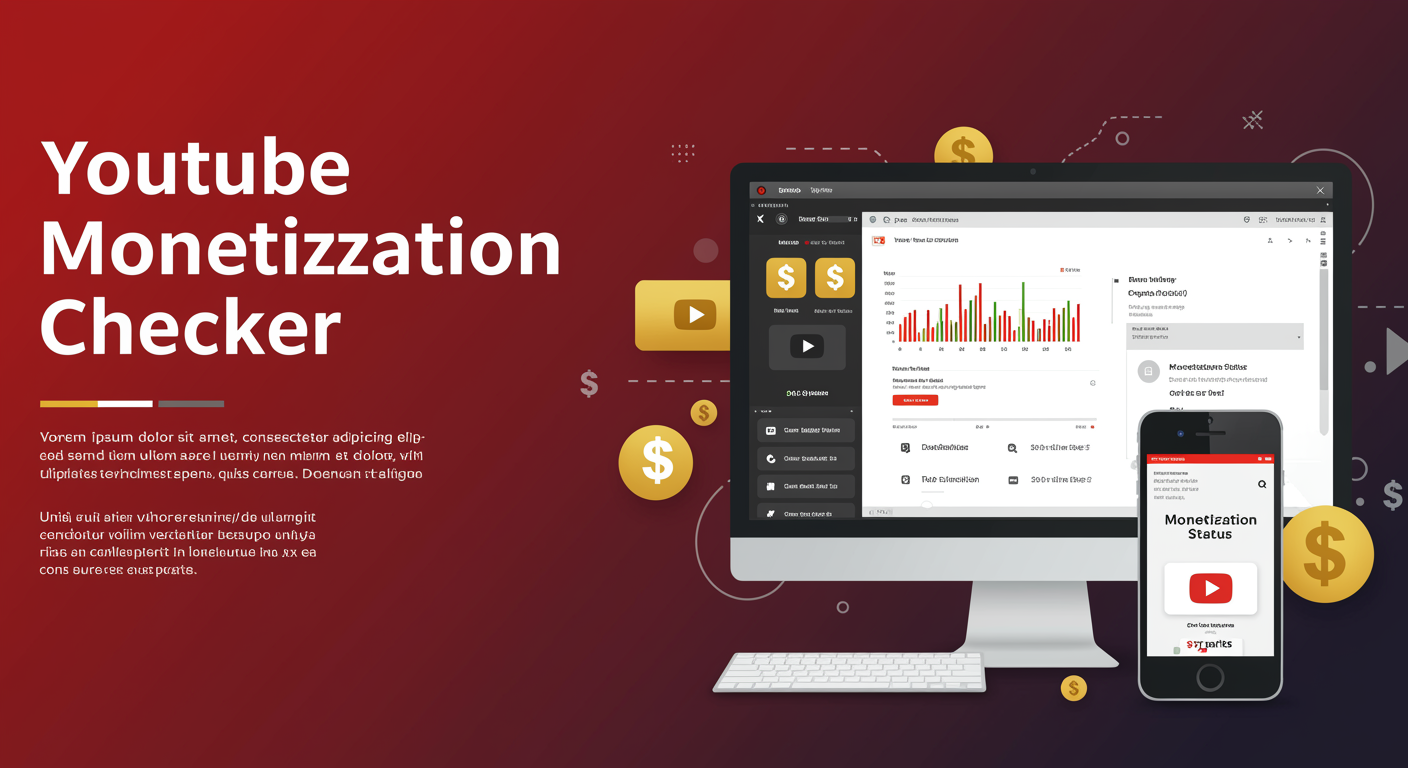
Youtube Monetization Checker

Ever spent hours creating YouTube content only to wonder if you'll ever see a penny from it? Trust me, you're not alone. Thousands of creators hit that publish button daily, crossing their fingers that monetization magic will happen.
But here's the truth: YouTube monetization isn't a mystery—it's a system with specific requirements you can actually check and track.
Using a YouTube monetization checker lets you see exactly where you stand with watch hours, subscriber counts, and community guideline compliance. No more guessing games or refreshing your analytics page hourly hoping for different numbers.
The difference between monetized channels and everyone else often comes down to just knowing where the finish line is and how fast you're moving toward it. But what most creators don't realize about qualifying for the YouTube Partner Program is...
What is the YouTube Monetization Checker?
The monetization checker shows the following statistics and information about channels or videos:
Ever wondered if a YouTube channel is making money? The YouTube Monetization Checker is your go-to tool for that. It's like having x-ray vision into a channel's earning potential without needing special access or permissions.
When you use a monetization checker, you'll get access to these key metrics:
-
Subscriber Count - See exactly how many subscribers a channel has (the 1,000 subscriber threshold is crucial for monetization)
-
Video View Counts - Check if the channel meets the 4,000 watch hours requirement
-
Estimated Earnings - Get approximations of what creators might be making based on industry averages
-
CPM Rates - View the estimated cost per thousand impressions for ads on their videos
-
Monetization Status - Confirm whether a channel is part of the YouTube Partner Program
-
Ad Frequency - See how many ads typically appear in videos
-
Content Category - Identify which niches tend to have higher monetization potential
-
Growth Trends - Track subscriber and view growth over time
The beauty of these tools? They give creators realistic expectations about earnings potential. For viewers, they provide transparency about which content creators are likely monetized.
Some advanced checkers even offer competitive analysis, helping you compare channels in similar niches to see who's monetizing more effectively.
How to check if a YouTube channel is monetized?
Manual Ways to Check a Channel's Monetization Status
Want to know if a channel is making money from their videos? There are several telltale signs you can look for without needing special tools.
First, check if there are ads playing on their videos. If you see pre-roll, mid-roll, or display ads while watching, that's a strong indicator the channel is monetized. No ads? They might not be part of the YouTube Partner Program yet.
Pay attention to the video description area. Monetized channels often have product links with affiliate disclosures or merchandise shelves beneath their videos. These are only available to creators who've been accepted into the monetization program.
Using Third-Party Tools
Don't want to manually investigate? Several third-party tools can help:
-
Social Blade shows estimated earnings ranges for YouTube channels
-
VidIQ provides monetization insights as part of their channel analytics
-
TubeBuddy offers similar features to help analyze monetization status
Ask the Creator Directly
Sometimes the simplest approach works best. If you're curious about a specific channel, just ask! Most creators are happy to share their monetization journey, especially smaller channels still building their audience.
Remember that monetization requires at least 1,000 subscribers and 4,000 watch hours in the past 12 months, so newer or smaller channels might still be working toward these goals.
How to check if a YouTube video is monetized?
How to check If a YouTube shorts video is monetized?
Checking if a YouTube Shorts video is monetized follows a similar process to regular videos, but with some key differences. YouTube Shorts have their own monetization rules and revenue sharing system.
First, open the YouTube Studio and navigate to the Content tab. Find the Shorts video you want to check and look for the dollar sign icon. If it's green, congrats! Your Short is making money.
But here's the catch – Shorts monetization works differently. YouTube has a Shorts Fund rather than traditional ad revenue. So even if your Short isn't directly monetized, you might still earn from the Shorts Fund based on engagement and views.
To really know if your Shorts are earning:
-
Check the Revenue tab in YouTube Studio
-
Filter by content type and select "Shorts"
-
Look at the "Estimated Revenue" column
What is the "Authenticity" status of the channel and video?
The "Authenticity" status is YouTube's way of saying, "Hey, we trust this content." It's basically their stamp of approval that your channel and videos are legitimate and follow their guidelines.
YouTube checks several things to determine authenticity:
-
Original content (not stolen or reused)
-
Compliance with community guidelines
-
No fake engagement (bought views or comments)
-
Real human viewers (not bot traffic)
You can spot the authenticity status in YouTube Studio under the "Monetization" tab. A green check means you're good to go. Yellow means there might be some issues, and red means there are serious problems that need fixing.
How does the Monetization Checker tool work?
Monetization checker tools are third-party solutions that help creators quickly figure out if their videos are earning money. They work by analyzing your video's metadata and monetization signals.
Most good checkers work like this:
-
You input your video URL or channel ID
-
The tool scans for monetization markers (ad breaks, etc.)
-
It checks for copyright claims and restrictions
-
It analyzes audience metrics that affect monetization
-
You get a simple report showing monetization status
These tools save tons of time compared to manually checking each video in YouTube Studio. They can also spot patterns – maybe certain types of content consistently get demonetized, helping you adjust your strategy.
Many creators swear by these tools, especially when managing large channels with hundreds of videos.
Checking if a YouTube channel or video is monetized doesn't have to be complicated. The YouTube Monetization Checker provides a straightforward way to verify monetization status, whether you're examining your own content or researching other creators. By following the outlined methods, you can quickly determine if ads are being displayed and revenue is being generated from specific channels and videos.
Remember that monetization status can impact collaboration opportunities, competitive analysis, and your own YouTube strategy. Taking the time to verify monetization can provide valuable insights into the YouTube ecosystem and help inform your content creation decisions. Use these checking methods as part of your regular content research to stay informed about monetization trends in your niche.