Green Screen Videos For YouTubers: Elevate Your Content Creation
Green Screen Videos for YouTubers: Elevate Your Content Creation
How to Make Stunning Green Screen Videos for Your YouTube Channel
Table of Contents
Introduction to Green Screen Videos
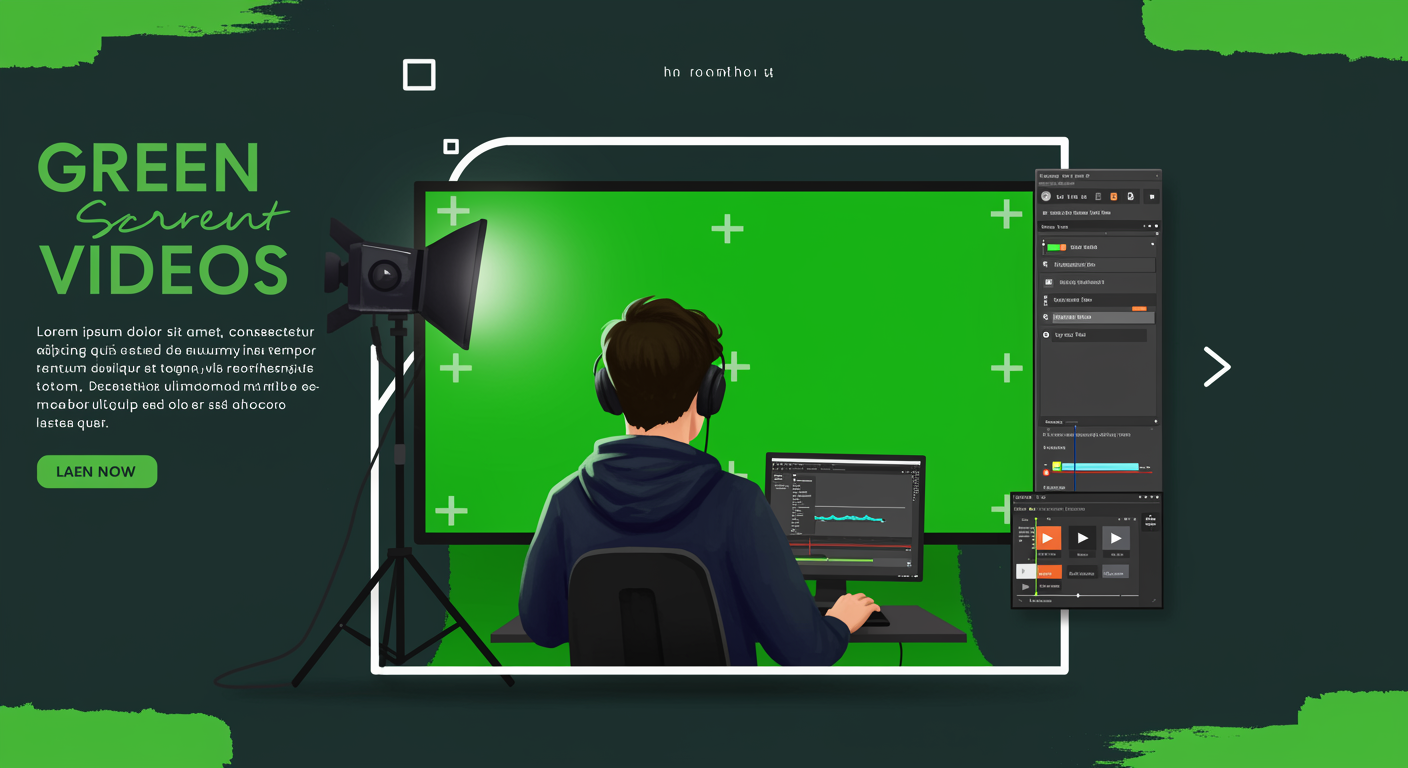
Green screen videos have become increasingly popular among YouTubers, offering a world of creative possibilities. Also known as chroma key compositing, this technique allows content creators to replace the background of their videos with any image or footage they desire. Whether you're a beginner or an experienced YouTuber, incorporating green screen videos into your content can significantly enhance your channel's visual appeal and engagement.
Benefits of Using Green Screen for YouTubers
Versatility: Green screen technology enables you to transport your viewers to any location or setting, even if you're filming in a small room.
Cost-effective: Instead of traveling to different locations or building elaborate sets, you can create diverse backgrounds with a single green screen setup.
Professional look: Well-executed green screen videos can give your content a polished, high-quality appearance.
Creative freedom: From fantastical environments to informative graphics, the possibilities are endless with green screen videos.
Consistency: Maintain a consistent look across your videos, even when filming on different days or in various locations.
Setting Up Your Green Screen Studio
Creating a proper green screen studio is crucial for achieving high-quality results. Here's how to set it up:
Choose the right space: Select a room with enough space to accommodate your green screen, lighting, and filming equipment.
Install the green screen: Use a wrinkle-free green screen material and ensure it's properly stretched to avoid shadows and creases.
Lighting setup: Proper lighting is key to achieving a clean key. Use soft, even lighting to illuminate the green screen and separate lighting for the subject.
Camera placement: Position your camera at an appropriate distance from the green screen to avoid casting shadows.
Choosing the Right Equipment
To create professional-looking green screen videos for YouTube, you'll need the following equipment:
Green screen: Opt for a high-quality, non-reflective green screen material.
Lighting: Invest in softbox lights or LED panels for even illumination.
Camera: Use a camera that can shoot in high resolution and offers manual controls.
Microphone: Don't neglect audio quality - use a good external microphone.
Video editing software: Choose software with chroma key capabilities, such as Adobe Premiere Pro or DaVinci Resolve.
Recording Techniques for Green Screen Videos
Follow these tips to ensure your green screen footage is easy to work with during editing:
Maintain distance: Keep your subject at least 6 feet away from the green screen to avoid color spill.
Use proper exposure: Ensure your subject is well-lit and the green screen is evenly illuminated.
Avoid green clothing: Instruct your subject to wear colors that contrast with the green screen.
Minimize movement: Excessive movement can make keying more challenging, so plan your shots accordingly.
Record in high quality: Shoot in the highest resolution and bit rate your camera allows for better keying results.
Editing Green Screen Footage
Once you've recorded your green screen video, it's time to edit and add your desired background. Here's a basic workflow:
Import footage: Bring your green screen footage into your video editing software.
Apply chroma key effect: Use the chroma key tool to remove the green background.
Adjust settings: Fine-tune the key to achieve a clean separation between the subject and background.
Add background: Insert your chosen background image or video.
Color correction: Adjust the colors of your subject to match the new background for a seamless look.
Add final touches: Incorporate any additional effects, text, or graphics to enhance your video.
Creative Ideas for Green Screen Videos
Here are some innovative ways to use green screen videos for your YouTube channel:
Virtual travel vlogs: Transport yourself to exotic locations without leaving your studio.
Educational content: Use animated backgrounds to illustrate complex concepts.
News-style segments: Create a professional news desk setup for commentary or review videos.
Music videos: Produce visually stunning music videos with ever-changing backgrounds.
Product reviews: Showcase products in various contexts or environments.
Gaming content: Place yourself inside the game world for unique gameplay videos.
Storytelling: Use green screen to create immersive storytelling experiences.
Common Mistakes to Avoid
When creating green screen videos for YouTube, be wary of these common pitfalls:
Poor lighting: Uneven lighting can result in a patchy key and unconvincing final product.
Wrinkled green screen: Creases and wrinkles can cause shadows and make keying difficult.
Color spill: Ensure your subject isn't reflecting green light, which can affect the key.
Overuse of effects: Don't rely too heavily on green screen effects; use them judiciously to enhance your content.
Mismatched perspective: Ensure your subject's perspective matches that of the background for a realistic look.
Green Screen Effects for YouTube Shorts
YouTube Shorts have become increasingly popular, and green screen effects can help your short-form content stand out:
Quick transitions: Use green screen to create seamless transitions between scenes.
Floating text: Add dynamic text elements that interact with your video.
Multiple versions of yourself: Create clones or duplicates for comedic or explanatory effects.
Virtual sets: Design compact, visually appealing sets for your Shorts content.
Reaction videos: Place yourself in front of viral clips or trending content for reaction videos.
Monetization Opportunities with Green Screen Videos
Green screen videos can open up new avenues for monetization on your YouTube channel:
Sponsored content: Create custom backgrounds featuring sponsor products or logos.
Virtual merchandise: Showcase your merchandise line in various settings without physical inventory.
Online courses: Develop professional-looking educational content to sell as courses.
Stock footage: Create and sell green screen footage for other content creators to use.
Personalized videos: Offer custom green screen videos as a service to your audience or clients.
Conclusion
Green screen videos offer YouTubers a powerful tool to enhance their content and engage their audience. By mastering the techniques of green screen production, you can create visually stunning videos that set your channel apart. Remember to practice and experiment with different ideas to find what works best for your content style and audience preferences. With dedication and creativity, you'll be producing professional-looking green screen videos for your YouTube channel in no time.
Learn more about video editing techniques